AI-generated sample stills
These images were made with an AI image model to show the look and finish of the work we deliver. They are samples, not client projects, and nothing in them comes from a real recording.
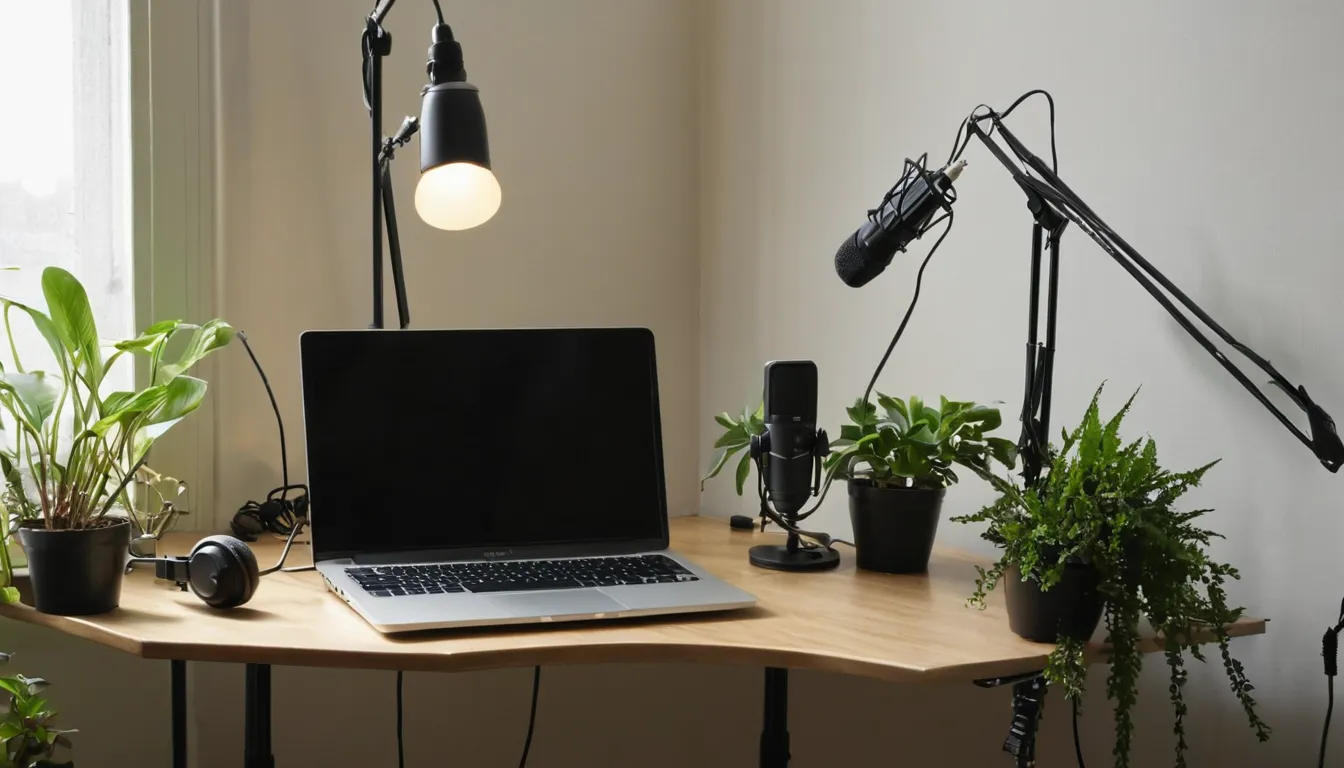
About these images. Every still on this page was made with an AI image model, and the multiviewer drawings elsewhere on the site are illustrations. We don't publish client work without written permission.
Setups that edit well
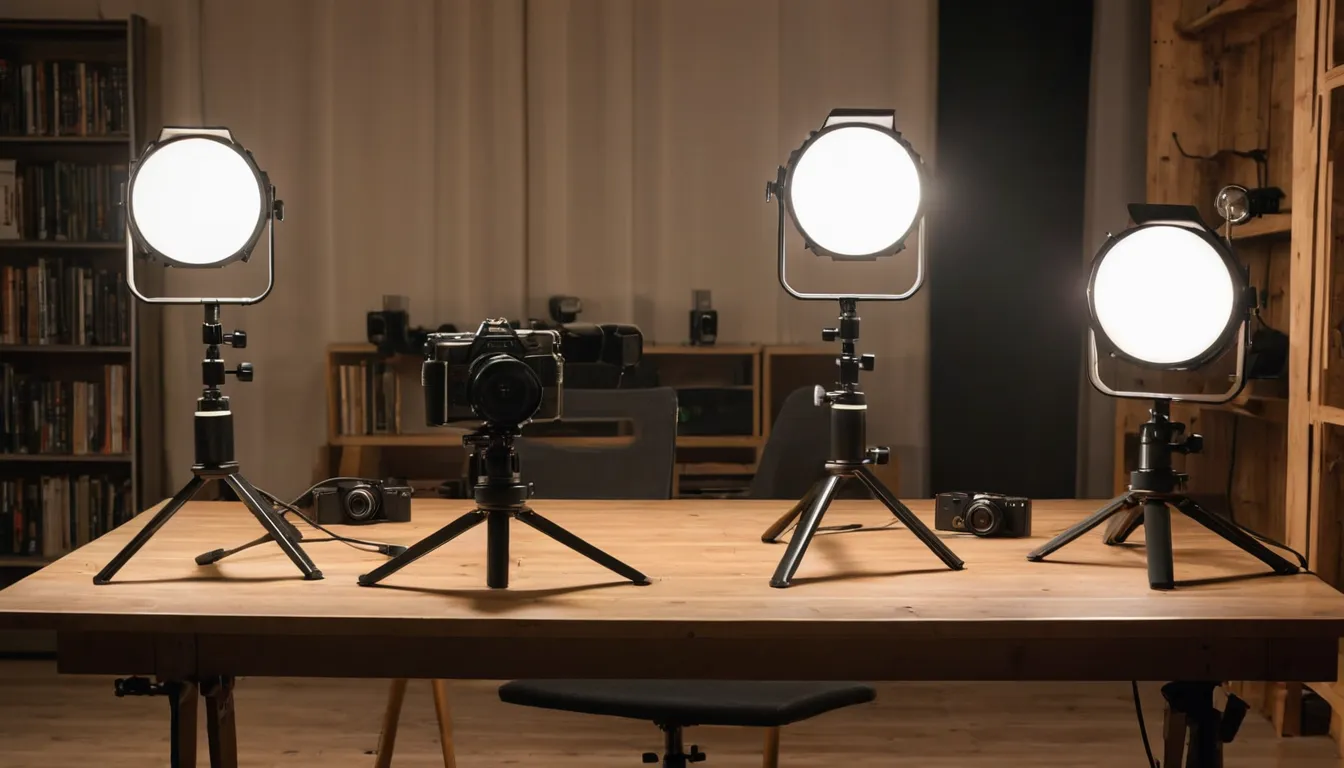
A video podcast doesn't need a big studio. Two cameras on tripods, one on each speaker, plus a wide shot if you have a third, give enough angles for a lively edit. Each person needs their own microphone, set close, recording to its own track. Soft light from the side looks better than a bright overhead light. Put something behind the speakers, such as shelves, a plant or a lamp, so the background has some depth.
For remote guests, ask them to sit facing a window, use headphones, and record locally if the tool you use allows it. A basic webcam and a desk microphone, set up well, cut in fine next to studio cameras.
Picking a look
Send links to two or three shows whose look you like. We'll match the pace of the switching, the caption style, the lower thirds and the clip layout, then apply your colors and logo. If you want to see a style before committing, ask about a short test edit in your brief.
Episode recorded and waiting? Tell us how many cameras you ran, how long the episode is, and what you want back: the full show, clips or both.
Request a quote